01
Start from a product image
Use a clean product shot or generate one first with an AI image model.
Use this AI product video generator to create ecommerce videos for listings, social posts, product reveals, and ad directions with OpenVideoMaker's existing image, prompt, and video model pages.
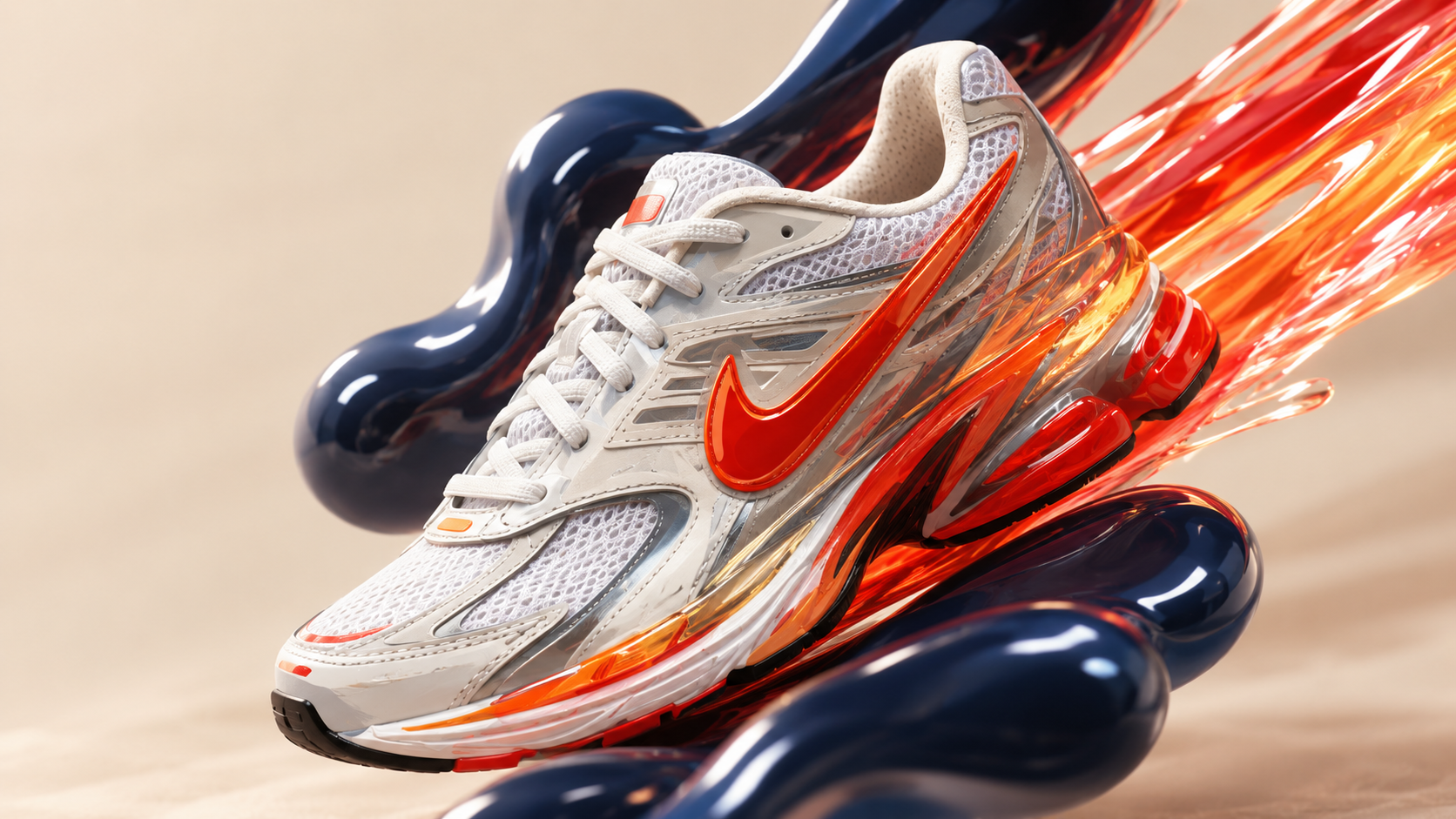
Use a clean product shot or generate one first with an AI image model.
Describe lighting, surface, camera motion, product interaction, and the intended channel.
Compare video models, refine the prompt, and keep reusable versions for the campaign.
A serum bottle on wet glass, slow macro push in, water droplets, soft spa lighting, premium beauty commercial.
A sneaker rotates above a clean studio pedestal, dynamic camera orbit, crisp shadows, launch campaign energy.
A compact coffee maker on a kitchen counter, steam rising, warm morning light, lifestyle product video.
Start with a clear product image, describe the commercial scene, lighting, camera motion, and target channel, then generate variations and review product details before publishing.
A clear product image or product-style reference frame gives the video model a stronger visual anchor. Text prompts can then define lighting, environment, camera motion, pacing, and campaign mood.
Describe the product, fixed visual traits, scene, lighting, camera motion, pacing, and intended format. Use materials and brand references you are authorized to use, and review the final output before publication.
Learn how to use an AI video ad generator for product reveals, campaign concepts, social ads, focused prompts, and review-ready variations.
Compare AI video generator pricing, plans, credits, model choices, and iteration costs for product, social, and ad video workflows.
How ecommerce teams use AI to generate product listings, lifestyle scenes, and seasonal ad campaigns — with real workflows and prompt examples.
Use this AI product video generator to create ecommerce videos for listings, social posts, product reveals, and ad directions with OpenVideoMaker's existing image, prompt, and video model pages.
Use a clean product shot or generate one first with an AI image model.
Describe lighting, surface, camera motion, product interaction, and the intended channel.
Compare video models, refine the prompt, and keep reusable versions for the campaign.
A serum bottle on wet glass, slow macro push in, water droplets, soft spa lighting, premium beauty commercial.
A sneaker rotates above a clean studio pedestal, dynamic camera orbit, crisp shadows, launch campaign energy.
A compact coffee maker on a kitchen counter, steam rising, warm morning light, lifestyle product video.
Start with a clear product image, describe the commercial scene, lighting, camera motion, and target channel, then generate variations and review product details before publishing.
A clear product image or product-style reference frame gives the video model a stronger visual anchor. Text prompts can then define lighting, environment, camera motion, pacing, and campaign mood.
Describe the product, fixed visual traits, scene, lighting, camera motion, pacing, and intended format. Use materials and brand references you are authorized to use, and review the final output before publication.
Learn how to use an AI video ad generator for product reveals, campaign concepts, social ads, focused prompts, and review-ready variations.
Compare AI video generator pricing, plans, credits, model choices, and iteration costs for product, social, and ad video workflows.
How ecommerce teams use AI to generate product listings, lifestyle scenes, and seasonal ad campaigns — with real workflows and prompt examples.