01
Upload the source image
Use a product shot, character image, artwork, or visual reference that clearly shows the subject and composition.
Use an AI image to video generator to turn product photos, portraits, concept art, or other references into short clips. Describe realistic motion, camera intent, and the intended aspect ratio or social media format. Then compare AI models and keep the strongest result in one workspace.
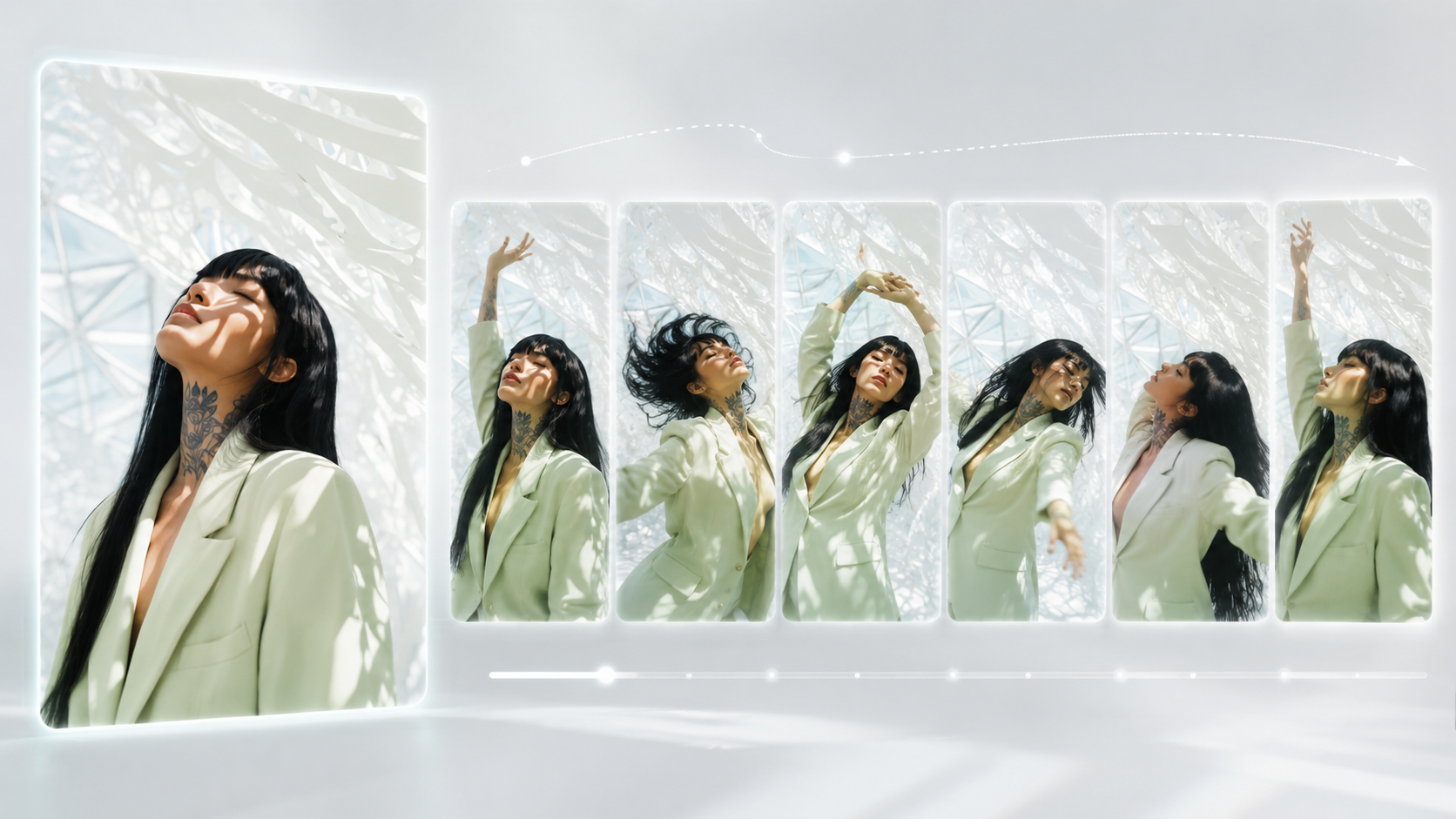
Use a product shot, character image, artwork, or visual reference that clearly shows the subject and composition.
Add movement, camera direction, pacing, and style so the model knows what should change between frames.
Try a model such as Seedance, Veo, Kling, Sora, or Wan video, then keep the strongest version for reuse.
A clean product photo turns into a slow rotating studio shot, soft key light, subtle camera push in, premium commercial style.
A portrait character looks toward camera, hair moving in light wind, cinematic close-up, gentle handheld motion.
A fantasy landscape painting becomes a moving scene with drifting fog, slow parallax, and glowing sunset light.
Open the AI image to video generator, upload a clear product photo, portrait, or artwork, describe the subject motion and camera direction, then generate and compare focused variations.
Start with a clear reference image, keep the motion focused, and compare a few variations. This workflow helps you choose the output that matches the subject, composition, and motion direction you planned.
Use an image model page when you need a reference frame, then continue on a video model page such as Seedance, Veo, Kling, Sora, or Wan video according to the controls and model options visible in the app.
Open an image-to-video page, upload a clear reference image, describe the motion and camera direction, then compare generated clips and download the result you want to keep.
Learn how to use an AI video ad generator for product reveals, campaign concepts, social ads, focused prompts, and review-ready variations.
Yes, Grok can generate videos with Grok Imagine. Learn what it supports, how to write prompts, what free access means, and how to compare results in 2026.
Learn how to use an AI product video generator to turn product images into ecommerce clips, social ads, and product reveals with prompts and review steps.
Use an AI image to video generator to turn product photos, portraits, concept art, or other references into short clips. Describe realistic motion, camera intent, and the intended aspect ratio or social media format. Then compare AI models and keep the strongest result in one workspace.
Use a product shot, character image, artwork, or visual reference that clearly shows the subject and composition.
Add movement, camera direction, pacing, and style so the model knows what should change between frames.
Try a model such as Seedance, Veo, Kling, Sora, or Wan video, then keep the strongest version for reuse.
A clean product photo turns into a slow rotating studio shot, soft key light, subtle camera push in, premium commercial style.
A portrait character looks toward camera, hair moving in light wind, cinematic close-up, gentle handheld motion.
A fantasy landscape painting becomes a moving scene with drifting fog, slow parallax, and glowing sunset light.
Open the AI image to video generator, upload a clear product photo, portrait, or artwork, describe the subject motion and camera direction, then generate and compare focused variations.
Start with a clear reference image, keep the motion focused, and compare a few variations. This workflow helps you choose the output that matches the subject, composition, and motion direction you planned.
Use an image model page when you need a reference frame, then continue on a video model page such as Seedance, Veo, Kling, Sora, or Wan video according to the controls and model options visible in the app.
Open an image-to-video page, upload a clear reference image, describe the motion and camera direction, then compare generated clips and download the result you want to keep.
Learn how to use an AI video ad generator for product reveals, campaign concepts, social ads, focused prompts, and review-ready variations.
Yes, Grok can generate videos with Grok Imagine. Learn what it supports, how to write prompts, what free access means, and how to compare results in 2026.
Learn how to use an AI product video generator to turn product images into ecommerce clips, social ads, and product reveals with prompts and review steps.