01
Define the campaign moment
Choose launch, feature reveal, lifestyle scene, testimonial-style concept, or social teaser.
Use an AI video ad generator to turn product details, a static image, and focused ad copy into short video ad concepts. Compare supported models across common ad formats and social media placements, then prepare a finished ad direction for human review before publishing.
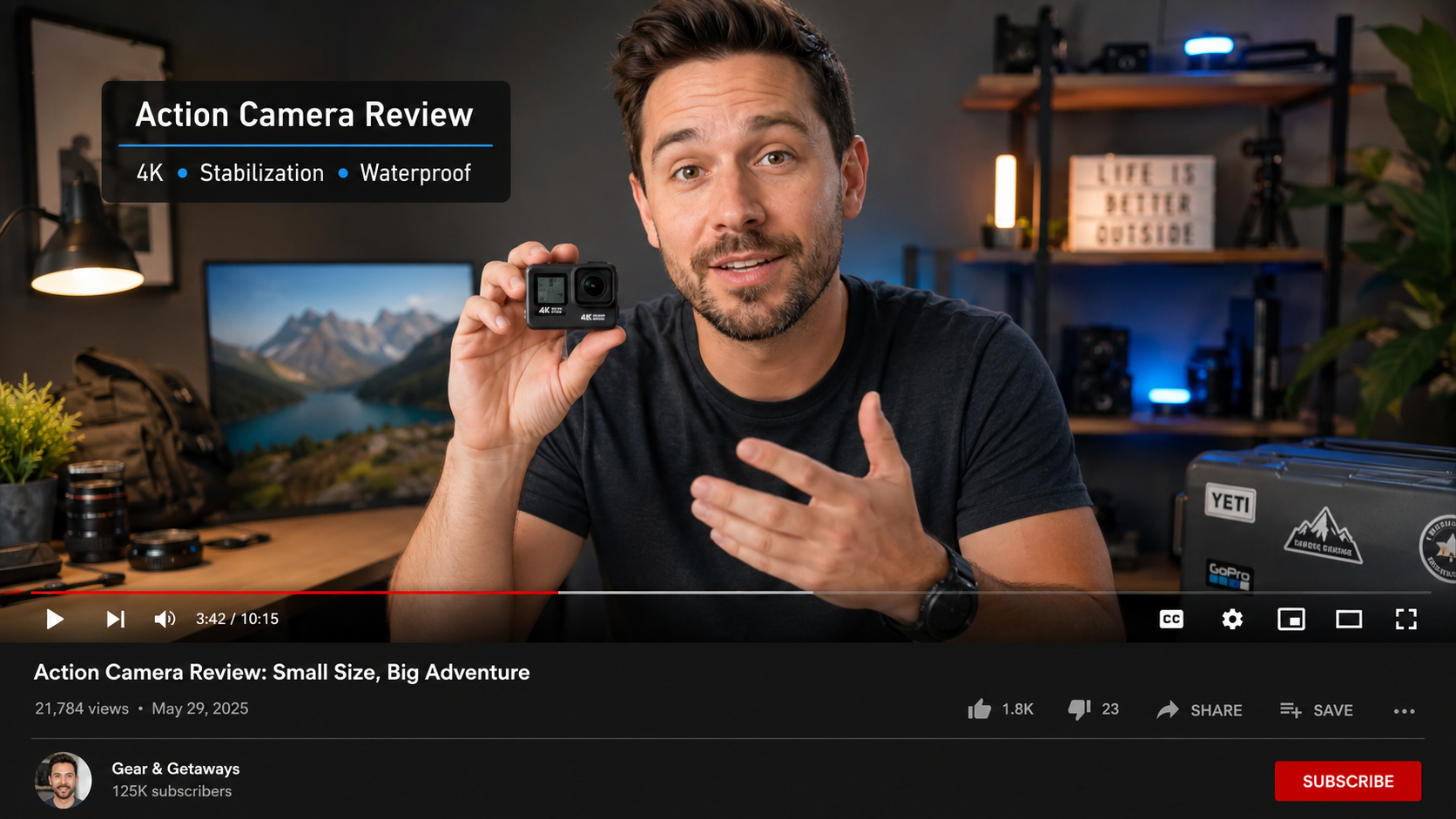
Choose launch, feature reveal, lifestyle scene, testimonial-style concept, or social teaser.
Describe product, action, emotion, lighting, and pacing without promising unsupported results.
Generate multiple ad variations and compare models, pacing, hooks, and calls to action before choosing a direction.
A new device emerges from shadow on a clean pedestal, dramatic light sweep, slow reveal, premium launch spot.
A backpack in an urban commute scene, quick camera push, morning light, practical everyday product story.
A product packshot transitions into a bright studio hero shot, energetic movement, clean social ad style.
Prepare the product or subject, campaign angle, source image, target format, visual style, and motion direction, then generate ad variations and review them before publishing.
Prepare the product or subject, campaign angle, source image if available, target format, visual style, and motion direction. A specific brief helps the generation stay focused.
Use assets you are authorized to use, check product accuracy, review model/provider terms, and evaluate the final output with your brand and publishing requirements.
Learn how to use an AI video ad generator for product reveals, campaign concepts, social ads, focused prompts, and review-ready variations.
Learn how to use an AI product image generator for ecommerce listings, lifestyle scenes, campaign visuals, and product ads.
Learn how to use an AI product video generator to turn product images into ecommerce clips, social ads, and product reveals with prompts and review steps.
Use an AI video ad generator to turn product details, a static image, and focused ad copy into short video ad concepts. Compare supported models across common ad formats and social media placements, then prepare a finished ad direction for human review before publishing.
Choose launch, feature reveal, lifestyle scene, testimonial-style concept, or social teaser.
Describe product, action, emotion, lighting, and pacing without promising unsupported results.
Generate multiple ad variations and compare models, pacing, hooks, and calls to action before choosing a direction.
A new device emerges from shadow on a clean pedestal, dramatic light sweep, slow reveal, premium launch spot.
A backpack in an urban commute scene, quick camera push, morning light, practical everyday product story.
A product packshot transitions into a bright studio hero shot, energetic movement, clean social ad style.
Prepare the product or subject, campaign angle, source image, target format, visual style, and motion direction, then generate ad variations and review them before publishing.
Prepare the product or subject, campaign angle, source image if available, target format, visual style, and motion direction. A specific brief helps the generation stay focused.
Use assets you are authorized to use, check product accuracy, review model/provider terms, and evaluate the final output with your brand and publishing requirements.
Learn how to use an AI video ad generator for product reveals, campaign concepts, social ads, focused prompts, and review-ready variations.
Learn how to use an AI product image generator for ecommerce listings, lifestyle scenes, campaign visuals, and product ads.
Learn how to use an AI product video generator to turn product images into ecommerce clips, social ads, and product reveals with prompts and review steps.