01
Choose a product direction
Decide whether you need a studio shot, lifestyle scene, listing image, or campaign concept.
Use an AI product image generator with prompts or references to explore product shots, lifestyle scenes, and concept visuals, then continue into video workflows when the campaign needs motion.
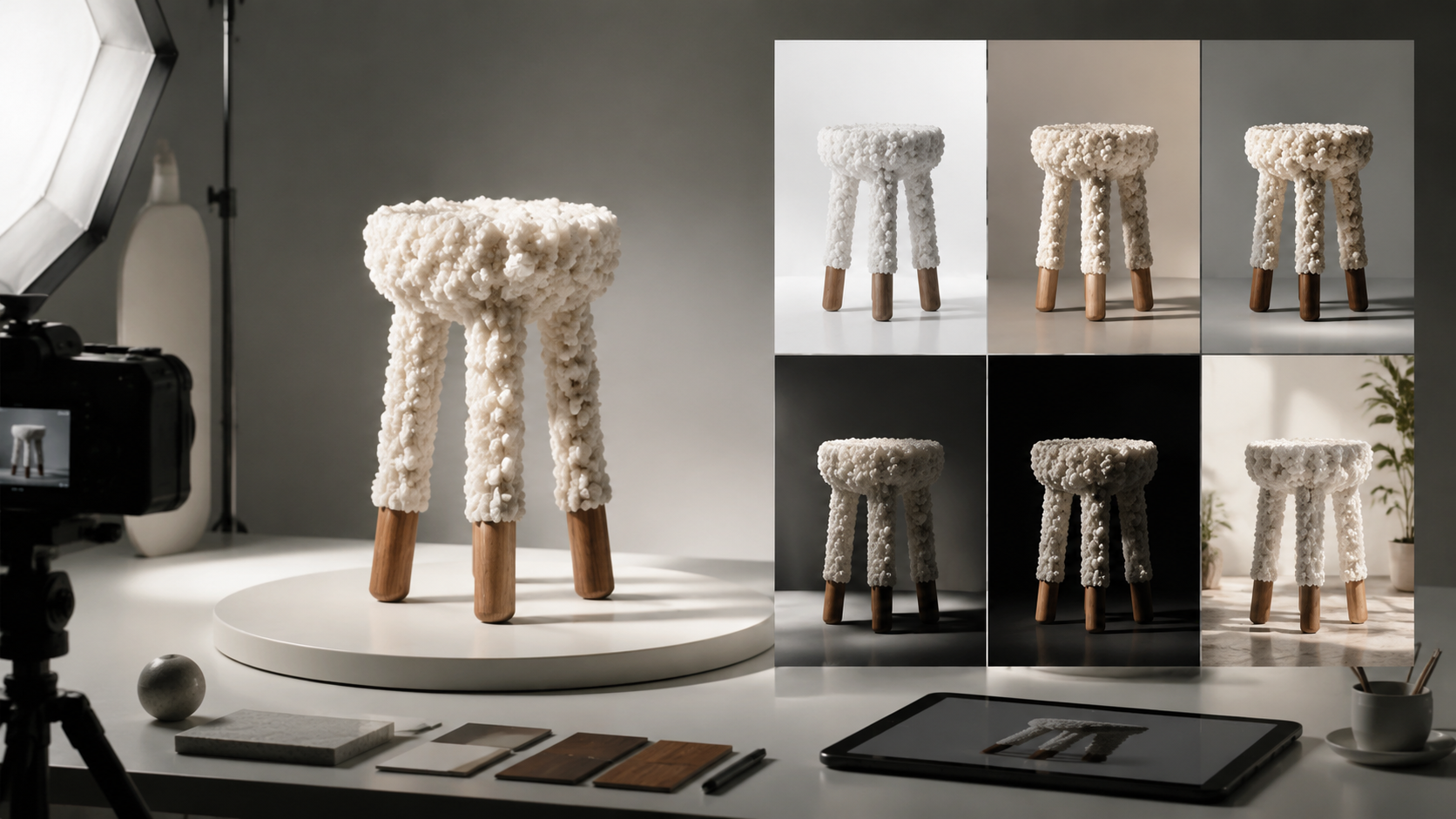
Decide whether you need a studio shot, lifestyle scene, listing image, or campaign concept.
Specify product type, background, material, lighting, angle, and brand-safe mood.
Save strong image outputs, then reuse them as references for video and motion prompts.
A luxury moisturizer jar on white stone, soft shadows, clean studio lighting, premium skincare campaign.
A wireless charger on a modern desk, minimal props, crisp reflection, ecommerce product photography.
A stainless bottle beside mountain gear, sunrise light, realistic lifestyle product photo.
Open the AI Product Image Generator, choose a product reference or describe the item, then specify the scene, background, lighting, camera angle, and ecommerce use case. Compare variations and review product details before publishing.
Use a clear reference and describe stable traits such as shape, color, material, label placement, camera angle, and lighting. Compare variations before choosing an image for a campaign or video workflow.
A strong still image can become a useful reference frame for image-to-video workflows, especially when the product, composition, lighting, and background already match the creative direction.
Use these GPT image generator prompts for product photos, photorealistic AI portraits, fashion editorials, reference edits, and transparent background assets.
Learn how to use the Seedream AI image generator with Seedream 5.0 and 4.5 for text-to-image, reference edits, products, and visual layouts.
Learn how to use an AI video ad generator for product reveals, campaign concepts, social ads, focused prompts, and review-ready variations.
Use an AI product image generator with prompts or references to explore product shots, lifestyle scenes, and concept visuals, then continue into video workflows when the campaign needs motion.
Decide whether you need a studio shot, lifestyle scene, listing image, or campaign concept.
Specify product type, background, material, lighting, angle, and brand-safe mood.
Save strong image outputs, then reuse them as references for video and motion prompts.
A luxury moisturizer jar on white stone, soft shadows, clean studio lighting, premium skincare campaign.
A wireless charger on a modern desk, minimal props, crisp reflection, ecommerce product photography.
A stainless bottle beside mountain gear, sunrise light, realistic lifestyle product photo.
Open the AI Product Image Generator, choose a product reference or describe the item, then specify the scene, background, lighting, camera angle, and ecommerce use case. Compare variations and review product details before publishing.
Use a clear reference and describe stable traits such as shape, color, material, label placement, camera angle, and lighting. Compare variations before choosing an image for a campaign or video workflow.
A strong still image can become a useful reference frame for image-to-video workflows, especially when the product, composition, lighting, and background already match the creative direction.
Use these GPT image generator prompts for product photos, photorealistic AI portraits, fashion editorials, reference edits, and transparent background assets.
Learn how to use the Seedream AI image generator with Seedream 5.0 and 4.5 for text-to-image, reference edits, products, and visual layouts.
Learn how to use an AI video ad generator for product reveals, campaign concepts, social ads, focused prompts, and review-ready variations.