Character orientation: video
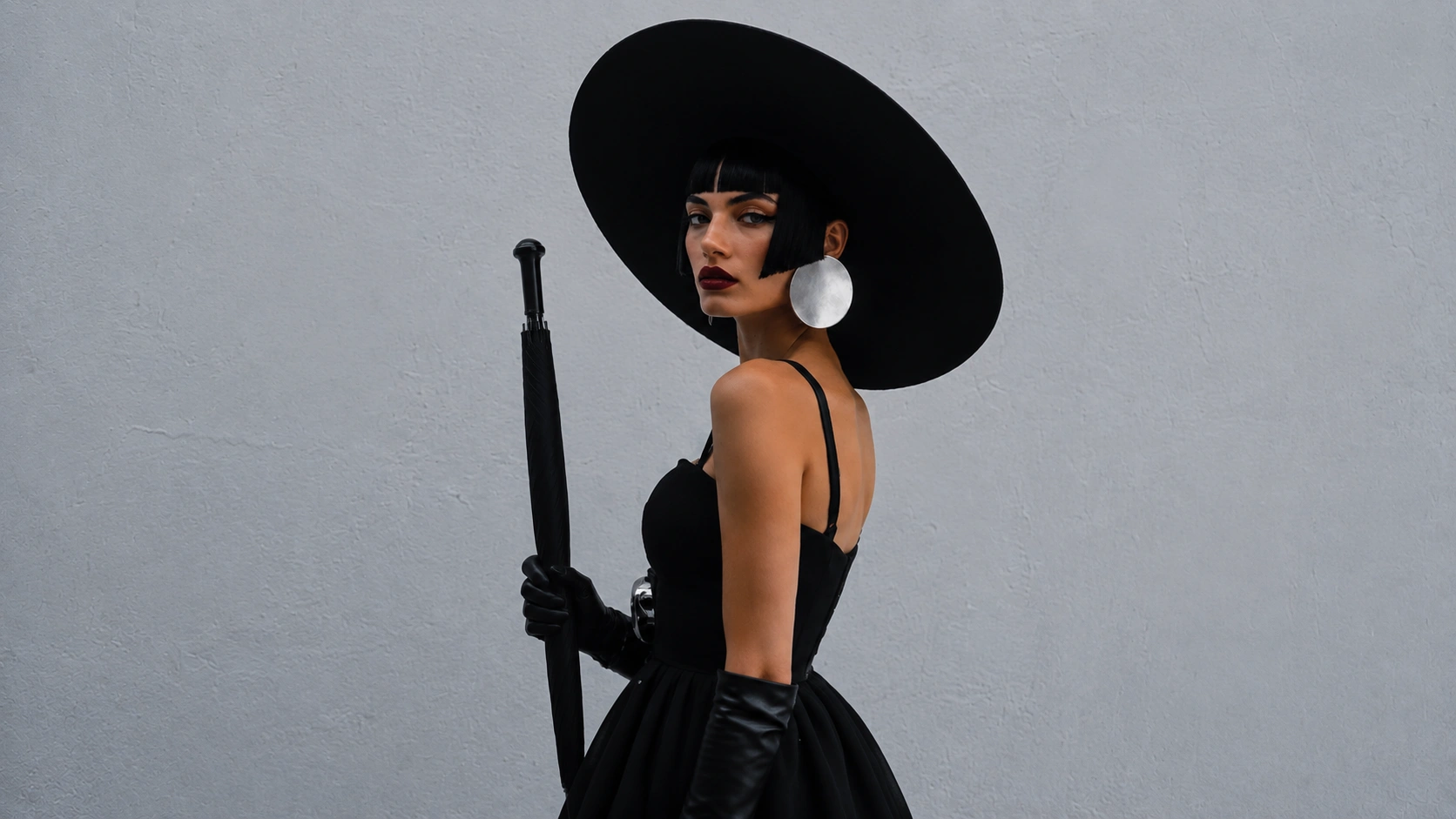
Character Image
Reference video
Upload a character image, pair it with a reference motion clip, and use Kling Motion Control to generate a controlled motion video.
Use a clear character photo and a reference clip with readable body movement.
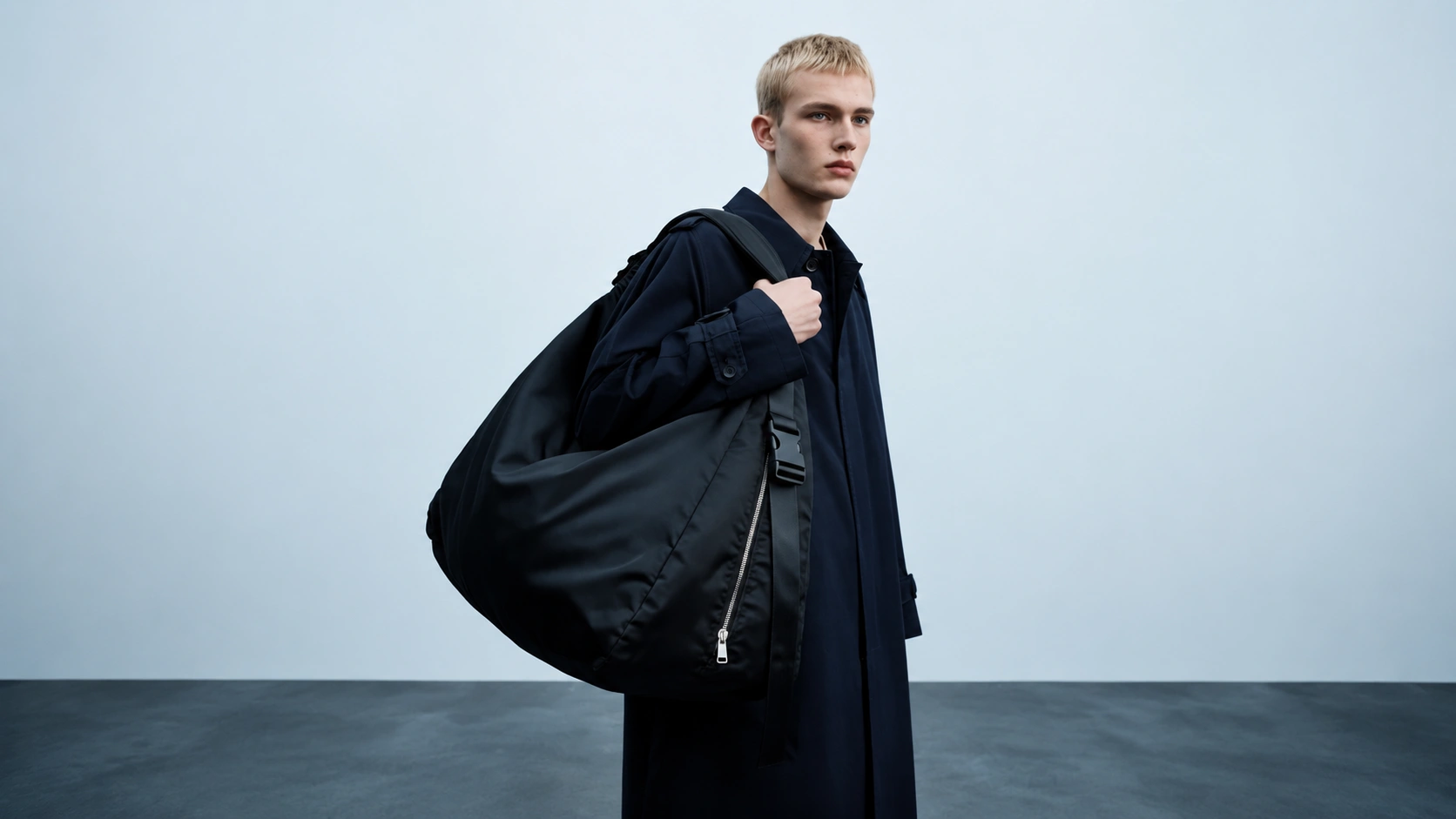
Final motion quality depends on prompt clarity, character image quality, and the suitability of the reference clip.
Open Kling Motion Control, choose a 3 to 30 second reference motion video, upload a clear character image, select the orientation mode, and generate the character motion clip.
Yes. You can upload your own MP4 or MOV clip, or choose one of the prepared template videos in the selector.
Yes. Credit usage is based on the selected model tier and the reference video duration used for generation.
Try a clearer prompt, a cleaner character image, and a reference clip with more readable movement and fewer distractions in the frame.
Upload a character image, pair it with a reference motion clip, and use Kling Motion Control to generate a controlled motion video.
Use a clear character photo and a reference clip with readable body movement.
Final motion quality depends on prompt clarity, character image quality, and the suitability of the reference clip.
Open Kling Motion Control, choose a 3 to 30 second reference motion video, upload a clear character image, select the orientation mode, and generate the character motion clip.
Yes. You can upload your own MP4 or MOV clip, or choose one of the prepared template videos in the selector.
Yes. Credit usage is based on the selected model tier and the reference video duration used for generation.
Try a clearer prompt, a cleaner character image, and a reference clip with more readable movement and fewer distractions in the frame.