01
Pick a post format
Choose teaser, loop, reveal, product moment, avatar motion, or visual background.
Use the image and video models available in OpenVideoMaker to explore short-form concepts for social posts, creator content, product teasers, and visual experiments.
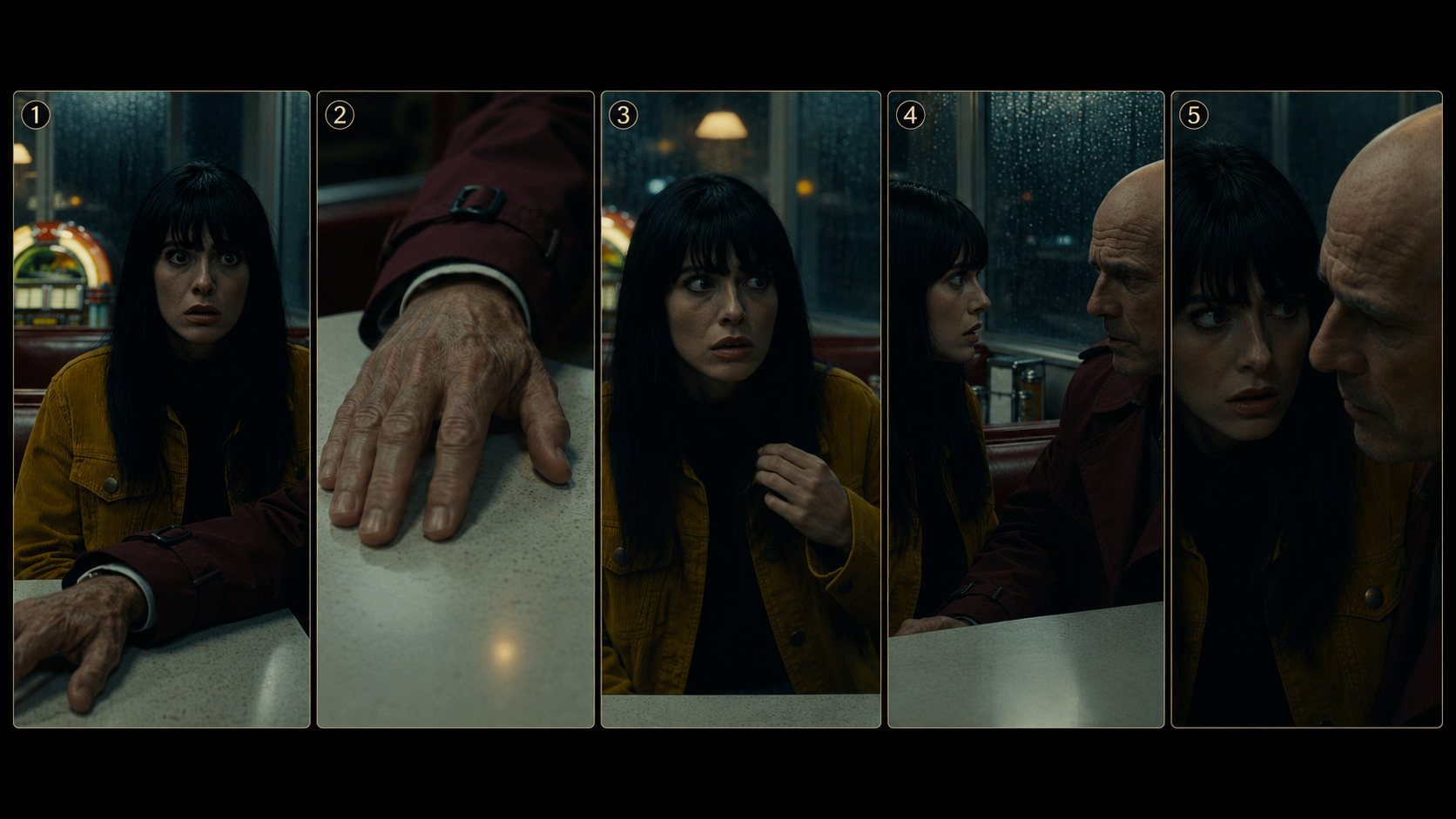
Choose teaser, loop, reveal, product moment, avatar motion, or visual background.
Use clear subject, motion, pacing, and style language that works for short-form outputs.
Generate multiple directions and keep the outputs that match the channel and audience.
A neon desk setup with subtle camera drift, glowing monitor reflections, seamless short-form loop style.
A portrait image comes alive with a confident look to camera, soft light, quick social intro motion.
A product box opens in a bright studio, quick reveal motion, clean social commerce style.
Choose a short-form post format, define the subject, main motion, pacing, and style, select an image or video model, then generate variations and keep the version that fits the target platform.
Choose the target platform first, then check the current model controls for ratio, duration, and export options. This helps you create prompts that match the intended channel.
Keep the subject and visual hook clear, describe one main motion idea, and specify pacing or camera movement. Focused prompts usually make short-form outputs easier to compare.
Learn how to use an AI video ad generator for product reveals, campaign concepts, social ads, focused prompts, and review-ready variations.
Learn how to use an AI product image generator for ecommerce listings, lifestyle scenes, campaign visuals, and product ads.
Learn how to use an AI product video generator to turn product images into ecommerce clips, social ads, and product reveals with prompts and review steps.
Use the image and video models available in OpenVideoMaker to explore short-form concepts for social posts, creator content, product teasers, and visual experiments.
Choose teaser, loop, reveal, product moment, avatar motion, or visual background.
Use clear subject, motion, pacing, and style language that works for short-form outputs.
Generate multiple directions and keep the outputs that match the channel and audience.
A neon desk setup with subtle camera drift, glowing monitor reflections, seamless short-form loop style.
A portrait image comes alive with a confident look to camera, soft light, quick social intro motion.
A product box opens in a bright studio, quick reveal motion, clean social commerce style.
Choose a short-form post format, define the subject, main motion, pacing, and style, select an image or video model, then generate variations and keep the version that fits the target platform.
Choose the target platform first, then check the current model controls for ratio, duration, and export options. This helps you create prompts that match the intended channel.
Keep the subject and visual hook clear, describe one main motion idea, and specify pacing or camera movement. Focused prompts usually make short-form outputs easier to compare.
Learn how to use an AI video ad generator for product reveals, campaign concepts, social ads, focused prompts, and review-ready variations.
Learn how to use an AI product image generator for ecommerce listings, lifestyle scenes, campaign visuals, and product ads.
Learn how to use an AI product video generator to turn product images into ecommerce clips, social ads, and product reveals with prompts and review steps.