Doodle Drawing
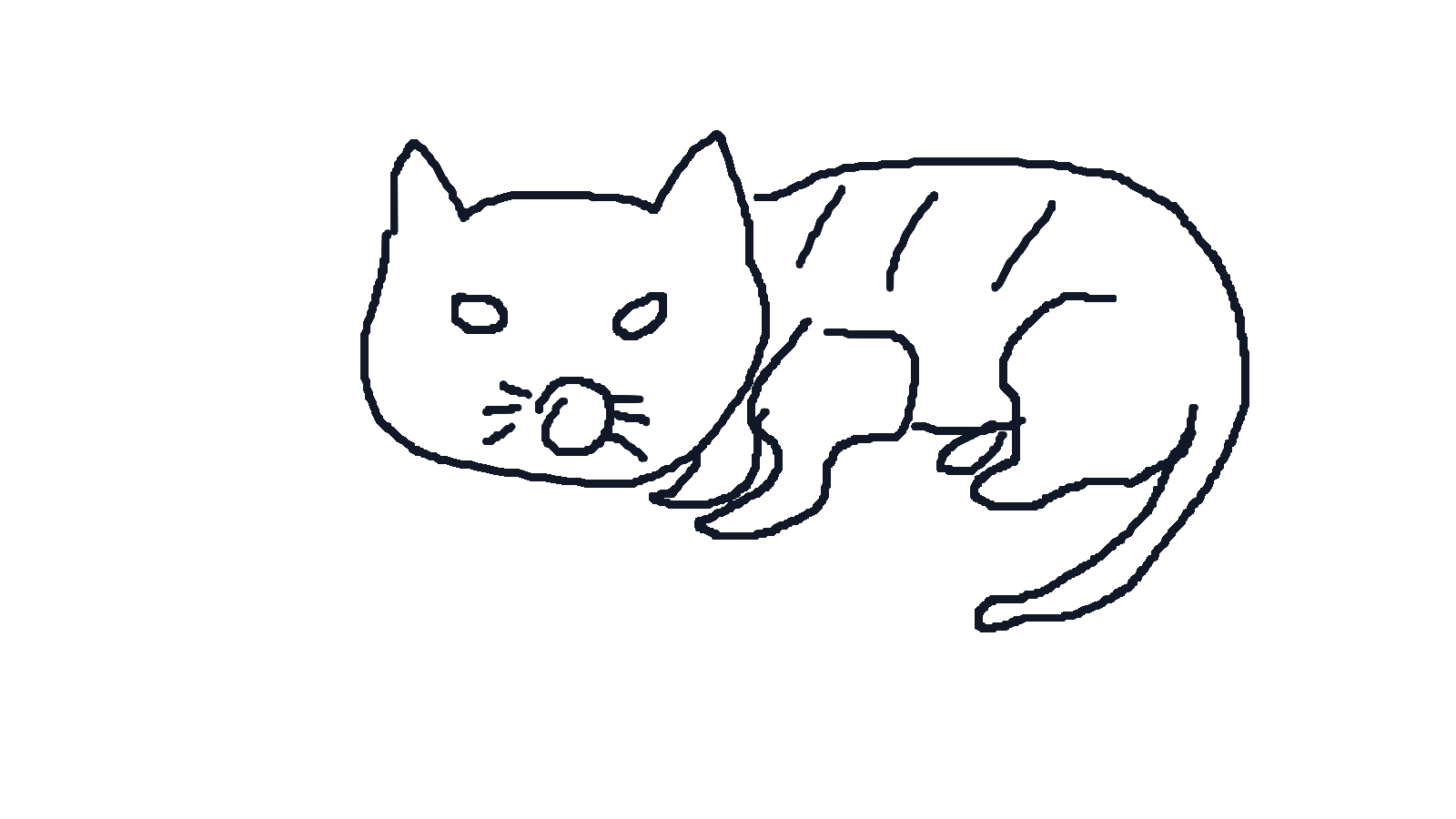
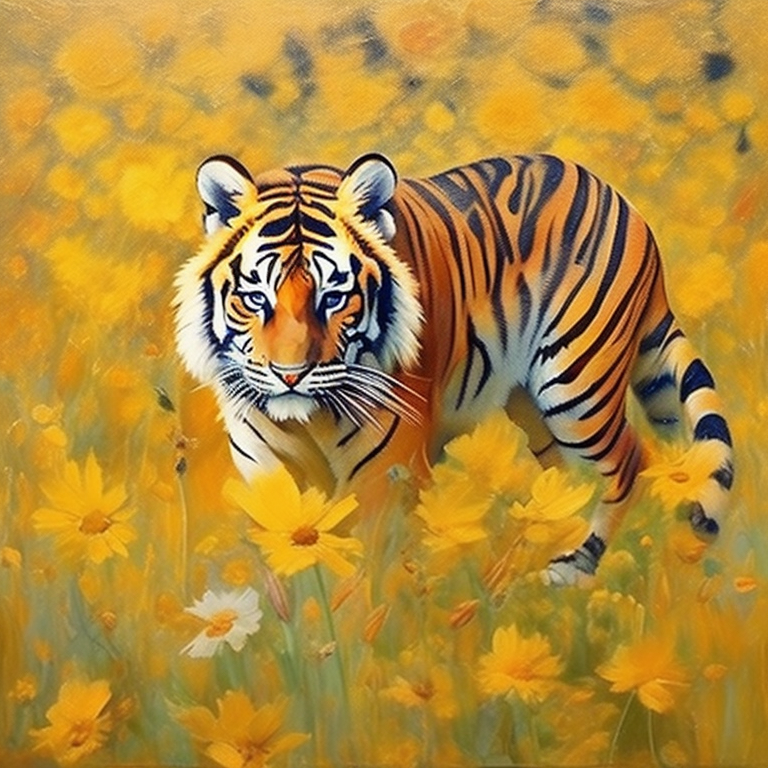
Sketch directly on the canvas, add a short prompt, and choose a style to turn the drawing into finished artwork.
Doodle Drawing
Draw with mouse or touch. Keep the sketch simple and readable.
How to use Doodle Drawing as an AI drawing tool
- 01Open Doodle Drawing and sketch the main subject with clear lines before writing the prompt.
- 02Describe the subject, material, scene, or mood in a short prompt.
- 03Choose the visual style and output count, then generate the finished artwork.
One simple workflow
Draw the base shape, describe what the sketch should become, then choose the style and output count before generating.
Related tools
Sketch-to-image output depends on sketch clarity, prompt quality, and provider model behavior.
Frequently asked questions
How do I use Doodle Drawing as an AI drawing tool?+
Open Doodle Drawing, sketch the main subject on the canvas, add a short prompt, choose an art style and output count, then generate and review the finished artwork.
How detailed should my sketch be?+
Clear outlines and simple structure are enough. The prompt can add material, mood, and scene details.
What styles are available?+
Auto, 3D cartoon, anime, oil painting, watercolor, sketch, Chinese painting, and flat illustration are available.
How long can the prompt be?+
The tool supports short prompts up to 75 characters, so concise instructions work best.
How many images can I generate per request?+
You can generate between one and four images in a single request.
Does it work on mobile?+
Yes. The canvas supports touch input, and on mobile the form can expand to fill the full screen.