OpenVideoMaker

HappyHorse 1.1 AI Video Generator

Generate HappyHorse 1.1 AI videos from text, first frames, or up to 9 reference images with 720P and 1080P settings. HappyHorse 1.0 video edit remains available.

0 / 3000
Model overview

HappyHorse 1.1 AI Video Generator

Create HappyHorse 1.1 videos from text, a first frame, or up to 9 reference images with 720P and 1080P output. HappyHorse 1.0 video edit remains available on the same page.

Text, first-frame, and reference-image generation in HappyHorse 1.1
Upload up to 9 reference images in 1.1
720P and 1080P resolutions with credit preview before generation
Featured model

HappyHorse 1.1

Model
HappyHorse 1.1
Ratio
16:9 / 9:16 / 1:1 / 4:3
Resolution
720P / 1080P
Duration
3-15s

How to use HappyHorse 1.1

  1. 01Choose text, first frame, or reference images when you want to use HappyHorse 1.1.
  2. 02Set duration and ratio for text or reference-image generation; ratio is hidden when the output follows an uploaded first frame.
  3. 03Use [Image 1] style references in the prompt when reference images should guide a specific subject or style. Switch to HappyHorse 1.0 if you need video edit.

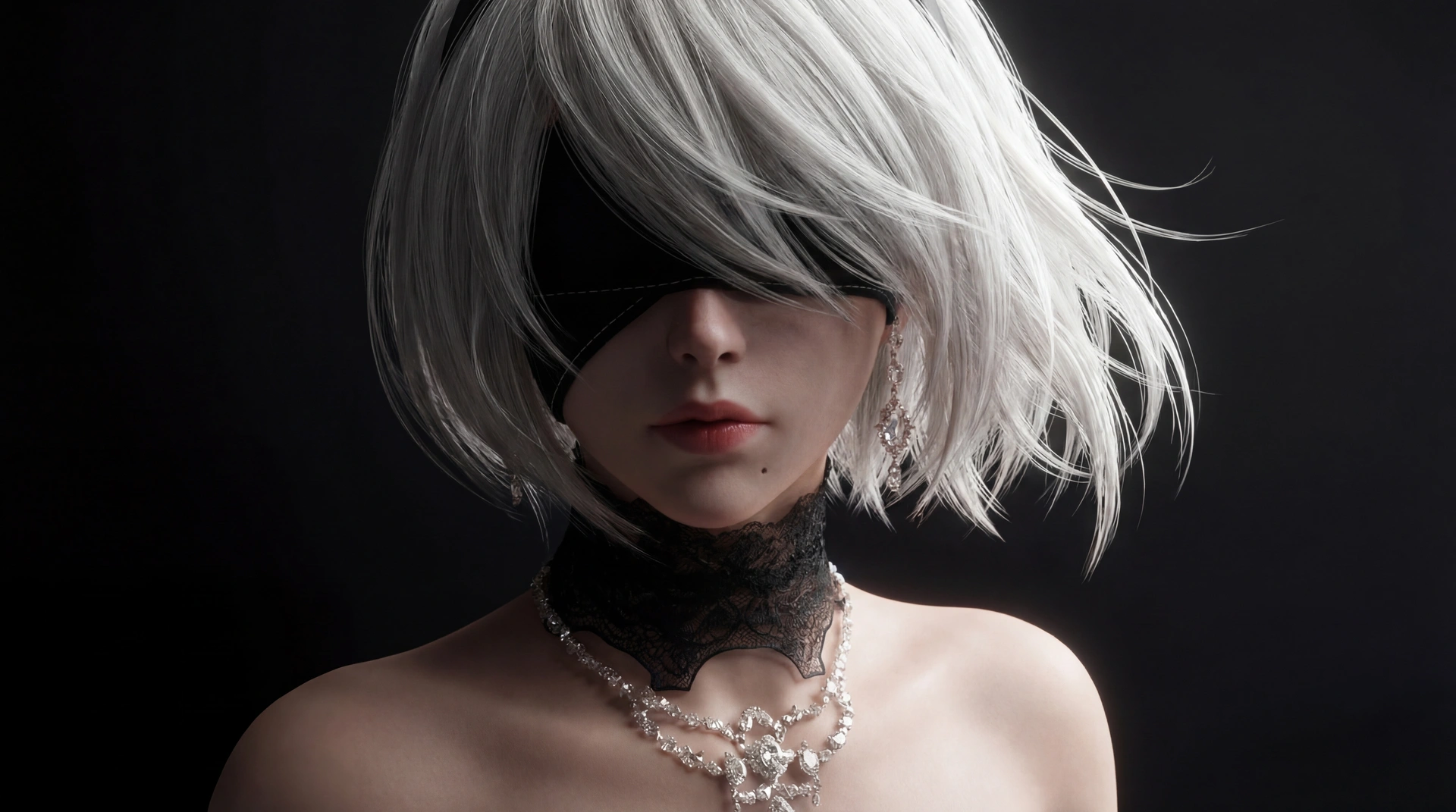
Reference image portal example

Use one or more reference images, cite them as [Image 1], [Image 2], and generate a vertical 9:16 video where the character breaks out of a monitor.

Reference image 1
Character exits the screen Reference image 1
Input prompt

Character exits the screen

Use [Image 1] as the character reference; keep identity, hair, outfit, and body shape consistent. The character is inside a computer screen, shown from behind in the first frame. They quickly turn back in surprise. From a first-person POV, my hand slowly reaches out and touches the screen; the character also raises a hand in response. The screen shatters, I hold the character's hand, the character smiles gently and happily, then I quickly pull them out. Cinematic lighting, realistic hand, smooth motion, no background music.

Output video 9:16

Best settings

Use HappyHorse 1.1 for text, first frame, and reference-image generation. Use HappyHorse 1.0 only when you need video edit.

HappyHorse 1.1

Text to video

Use ratio control when generating from text only.

Ratio
16:9 / 9:16
Resolution
720P or 1080P
Duration
3-8s
HappyHorse 1.1

First frame animation

Upload one clean first frame; the output ratio follows the image.

Resolution
720P or 1080P
Duration
3-8s
HappyHorse 1.1

Reference image motion

Upload up to 9 reference images and cite them as [Image 1], [Image 2], and so on.

Ratio
16:9 / 9:16
Resolution
720P or 1080P
Duration
3-8s
HappyHorse 1.0 video edit

Video edit

Upload one MP4 or MOV input video; duration follows the source and is billed up to 15 seconds.

Resolution
720P or 1080P

Related tools

HappyHorse availability, upload validation, and output behavior depend on the provider API and selected media mode.

Frequently asked questions

What inputs does HappyHorse 1.1 support?+

HappyHorse 1.1 supports text-to-video, first-frame-to-video, and reference-image-to-video. HappyHorse 1.0 remains available for video edit.

Why is ratio hidden after uploading a first frame?+

First-frame outputs follow the uploaded image, so ratio is not sent to that API branch.

How many reference images can I upload?+

HappyHorse 1.1 supports up to 9 reference images. HappyHorse 1.0 video edit does not use that branch.

How long can HappyHorse videos be?+

Text, first-frame, and reference-image outputs support 3-15 seconds. HappyHorse 1.0 input videos must be 3-60 seconds and are billed up to 15 seconds.

Which resolutions and prices are available?+

HappyHorse 1.1 supports 720P and 1080P. You can preview the required credits before generating.

Can I still use video edit?+

Yes. Video edit remains available on this page as HappyHorse 1.0 video edit.